
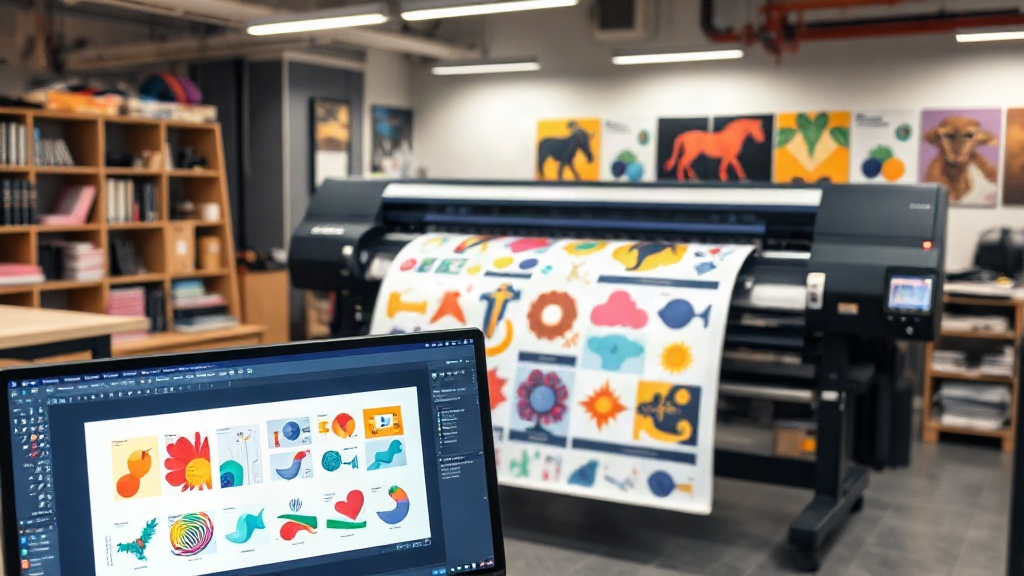
If you run a screen printing or direct-to-film (DTF) business, you know that efficiency is key. Manually arranging multiple designs onto a single film sheet is tedious and error-prone. That's where a dtf gangsheet builder comes in. This powerful software automates the process, letting you create gang sheets in minutes. In this guide, we'll explore how a dtf gangsheet builder can transform your workflow, what features to look for, and how to maximize your savings. Whether you're a small shop or a large operation, mastering this tool is essential for staying competitive.
What is a DTF Gangsheet Builder?
A dtf gangsheet builder is a specialized software tool designed to arrange multiple DTF transfer designs onto a single sheet of film. Instead of printing each design individually, you combine them into one large sheet, known as a gang sheet. This approach minimizes film waste, reduces ink consumption, and cuts down on labor time. The builder uses algorithms to nest designs efficiently, ensuring maximum use of the available space. Many builders also allow manual adjustments, giving you full control over the layout.
Why You Need a DTF Gangsheet Builder
Manually creating gang sheets is time-consuming and often leads to suboptimal layouts. A dtf gangsheet builder solves these problems by automating the arrangement process. Here are key benefits:
- Time Savings: What used to take hours now takes minutes. You can focus on other aspects of your business.
- Cost Reduction: By maximizing film usage, you spend less on materials. Even a small percentage of savings adds up quickly.
- Consistency: Automated nesting ensures every sheet is optimized, reducing human error.
- Scalability: As your order volume grows, the builder handles larger and more complex jobs with ease.
How to Choose the Right DTF Gangsheet Builder
Not all gangsheet builders are created equal. When evaluating options, consider these factors:
Ease of Use
The interface should be intuitive. If it takes hours to learn, it defeats the purpose. Look for drag-and-drop functionality and clear controls.
Nesting Efficiency
The core of any builder is its nesting algorithm. Test the tool with your typical designs to see how well it utilizes space. Some tools offer advanced algorithms that rotate and align designs for optimal density.
Compatibility
Ensure the builder supports your file formats (e.g., PNG, PDF) and integrates with your printer's software. Some builders are standalone, while others are part of a larger RIP (Raster Image Processor) solution.
Pricing Model
Options range from free basic tools to subscription-based advanced software. Calculate the return on investment based on your monthly film usage. Often, the savings in materials alone justify the cost.
Step-by-Step Guide to Using a DTF Gangsheet Builder
Here's a typical workflow:
- Upload Your Designs: Import all the images you want to print. The builder will display them in a workspace.
- Set Your Sheet Size: Choose the dimensions of your film roll. Common widths are 13", 17", and 22".
- Auto-Arrange or Manually Adjust: Let the software automatically nest the designs, or drag them around to fine-tune the layout.
- Review and Export: Once satisfied, export the gang sheet as a high-resolution file ready for printing.
- Print and Cure: Print the sheet using your DTF printer, apply hot-melt powder, and cure.
With practice, this process becomes second nature. Many builders also allow you to save templates for recurring orders.
Maximizing Savings with Your DTF Gangsheet Builder
To get the most out of your builder, adopt these strategies:
- Group Similar Jobs: Combine designs from multiple orders into one gang sheet to fill empty spaces.
- Use Nesting Features: Enable rotation and mirroring to fit more designs.
- Monitor Film Waste: Track how much film you use per sheet. A good builder will show you the percentage of utilization.
- Regularly Update Software: Developers often improve algorithms, leading to better efficiency.
Common Mistakes to Avoid
Even with a builder, some pitfalls can reduce effectiveness:
- Overcrowding: Leaving no space between designs can cause cutting errors. Maintain a small gap (2-3 mm) between images.
- Ignoring Print Direction: Some designs need specific orientation for best quality. Always check before finalizing.
- Forgetting to Save: Always save your gang sheet layout in case you need to reprint.
Frequently Asked Questions
What file formats work best with a DTF gangsheet builder?
PNG with transparent backgrounds is ideal, but many builders also support PDF, TIFF, and JPEG. Ensure your images are high resolution (300 DPI) for crisp prints.
Can I use a DTF gangsheet builder for other printing methods?
While designed for DTF, some builders can also arrange designs for DTG or sublimation. However, check compatibility with your specific printer and ink.
Is there a free DTF gangsheet builder available?
Yes, some basic tools are free, but they may lack advanced nesting or export options. Paid versions often offer better efficiency and support.
How often should I update my gangsheet builder?
Check for updates monthly. New versions may include improved algorithms, bug fixes, and new features that enhance productivity.
Incorporating a dtf gangsheet builder into your workflow is a game-changer. It saves time, reduces costs, and allows you to take on more orders without sacrificing quality. Start exploring options today and see the difference it makes in your shop's efficiency.